Here is a list of improvements and fixes introduced in version 3.69.
Plugin
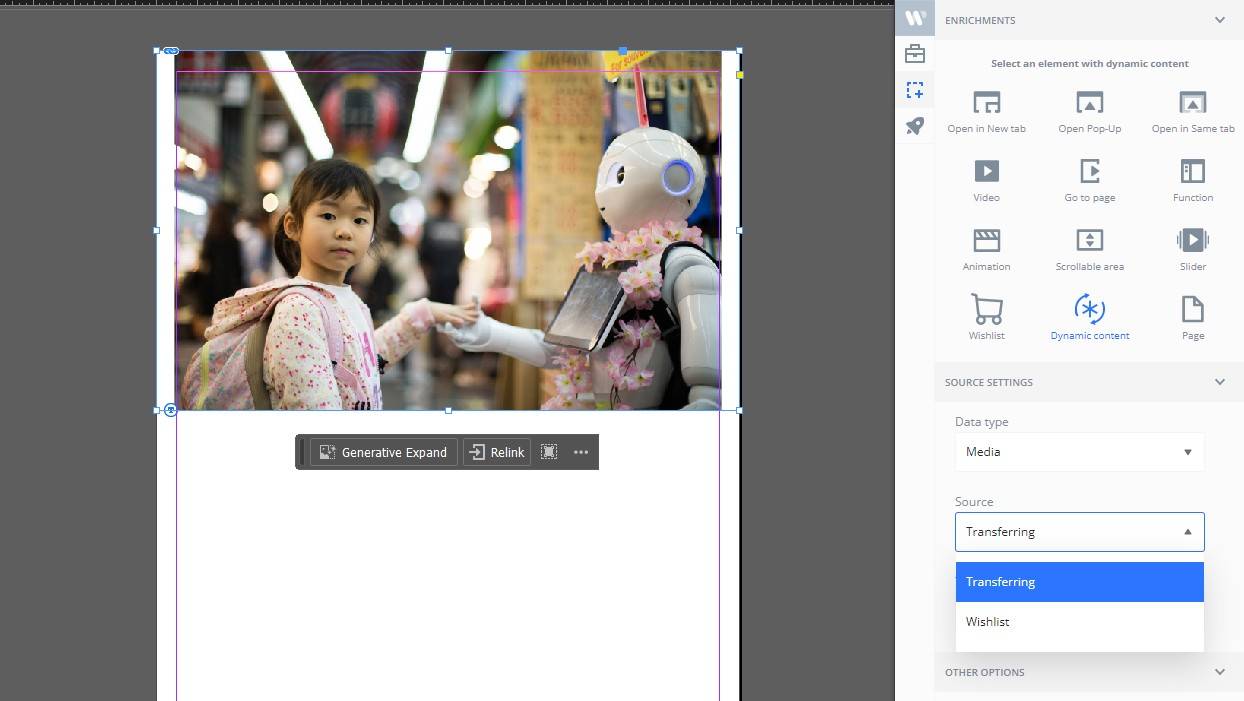
Dynamic Content: images can be replaced at runtime
Designers can now mark images in InDesign as Dynamic Content so they can be replaced in the Reader depending on the transferring parameter in the URL. This makes it easier to create personalized versions of a publication without duplicating layouts.
Dynamic Content from Wishlist products (text & images)
For Wishlist projects, you can now inject product data directly into page content (not only inside the auto-generated product popup). This helps keep product information consistent and up to date across the whole publication.
Copy/paste works with Plugin enrichments
Copying and pasting frames that contain plugin enrichments now preserves the enrichment and its settings, improving layout productivity in InDesign.
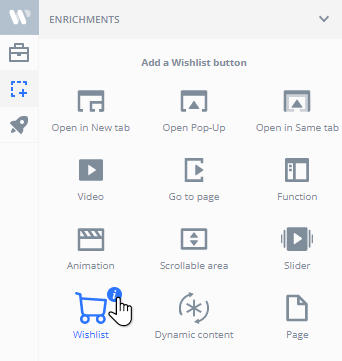
In-app links to feature tutorials
Each enrichment type now includes a small info button linking to the relevant tutorial, so designers can quickly find guidance while working.
Improved login security
Plugin authentication now sends credentials in the request payload rather than URL parameters.
Better compatibility with older InDesign versions
Fixed an export regression affecting some InDesign 2021 environments. While we officially support the two latest major versions, this improves reliability for teams still on older setups.
Bug fixes: export & editing stability
Fixed an export crash on editable pages and addressed occasional freezes when editing text in some projects.
Platform
PDF publications: WEBP optimization
PDF-based publications can now benefit from WEBP image optimization to reduce asset size and speed up loading.
Admin: upload Dynamic Media as a ZIP
In Publication Settings → Advanced → Dynamic Content, SaaS users can upload a ZIP archive containing dynamic images. Uploads are optimized during processing for faster delivery.
Server API for Dynamic Media
Added a dedicated API endpoint to upload and manage Dynamic Media for a publication, used by the admin upload workflow.
Admin: External image gallery (prototype)
Introduced the first version of an external image gallery to help normalize and manage transferring/wishlist images with inconsistent formatting.
Reader
Cleaner page transitions for videos
Fixed an issue where video backgrounds could remain visible briefly after changing pages.
Search panels: autofocus on the keyword field
In both Reader search and Wishlist search, the keyword input is now focused automatically when opening the panel, making search faster on desktop and mobile.
Cookie consent: separate consent per publication
Consent is now stored per publication so users won’t see repeated banners when switching between projects, and consent is properly isolated across different publications.
Wishlist
Email subject can include form field values
You can now use form variables (e.g., name or custom fields) in the subject line of Wishlist emails.
Uprez
Mobile: fix avatar editing blank screen
Fixed a bug where tapping the user avatar could lead to a blank screen in the mobile app.
Performance
GallApp: fewer unnecessary meta requests
Researched and implemented optimizations to reduce _meta.json requests for resource icons in GallApp web projects, improving loading performance.
Custom components
Quiz component with scoring
Delivered a quiz component that provides immediate feedback and calculates a score as the user answers questions.
Client-specific
Playlists: updated controls and ordering
Updated playlist functionalities, including improvements to the playlist controls and their ordering.



No comments.